Fitting Room + Closet
See how anything looks on you — before you buy
Your virtual fitting room and digital closet in one app. Try on anything from any store, build your wardrobe, create outfits, and shop with more confidence.
See it in action
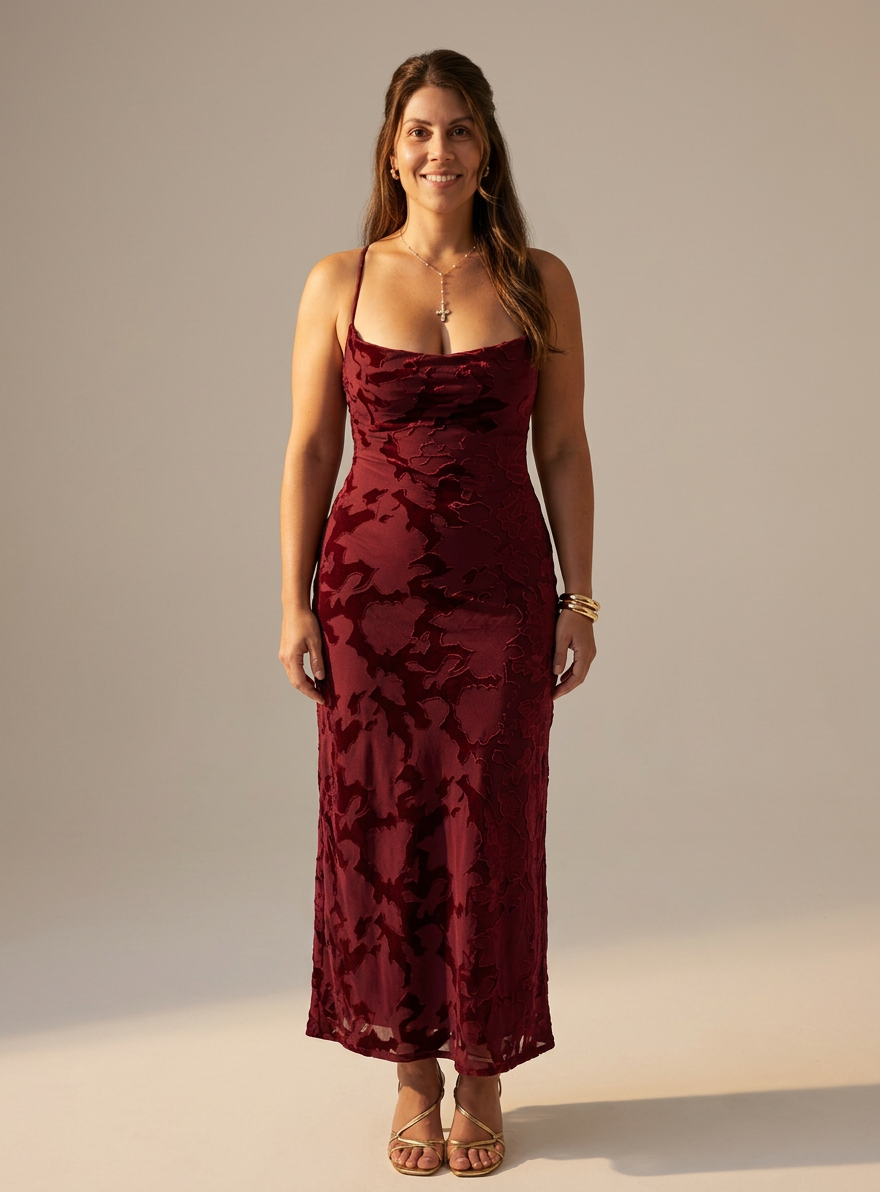
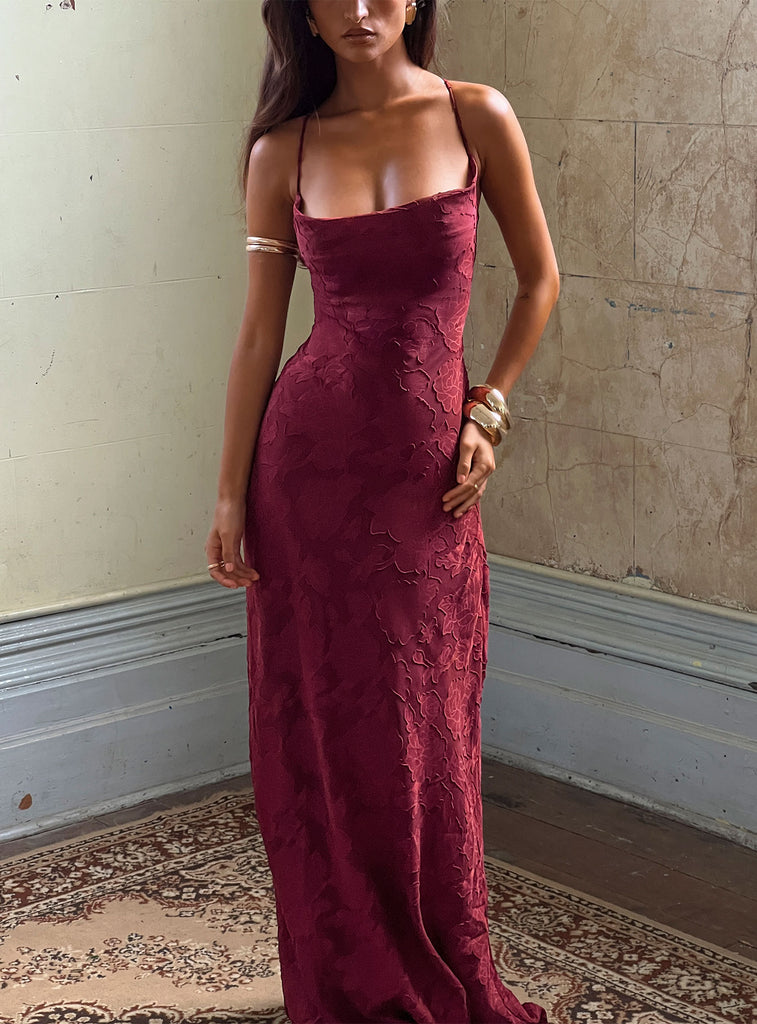
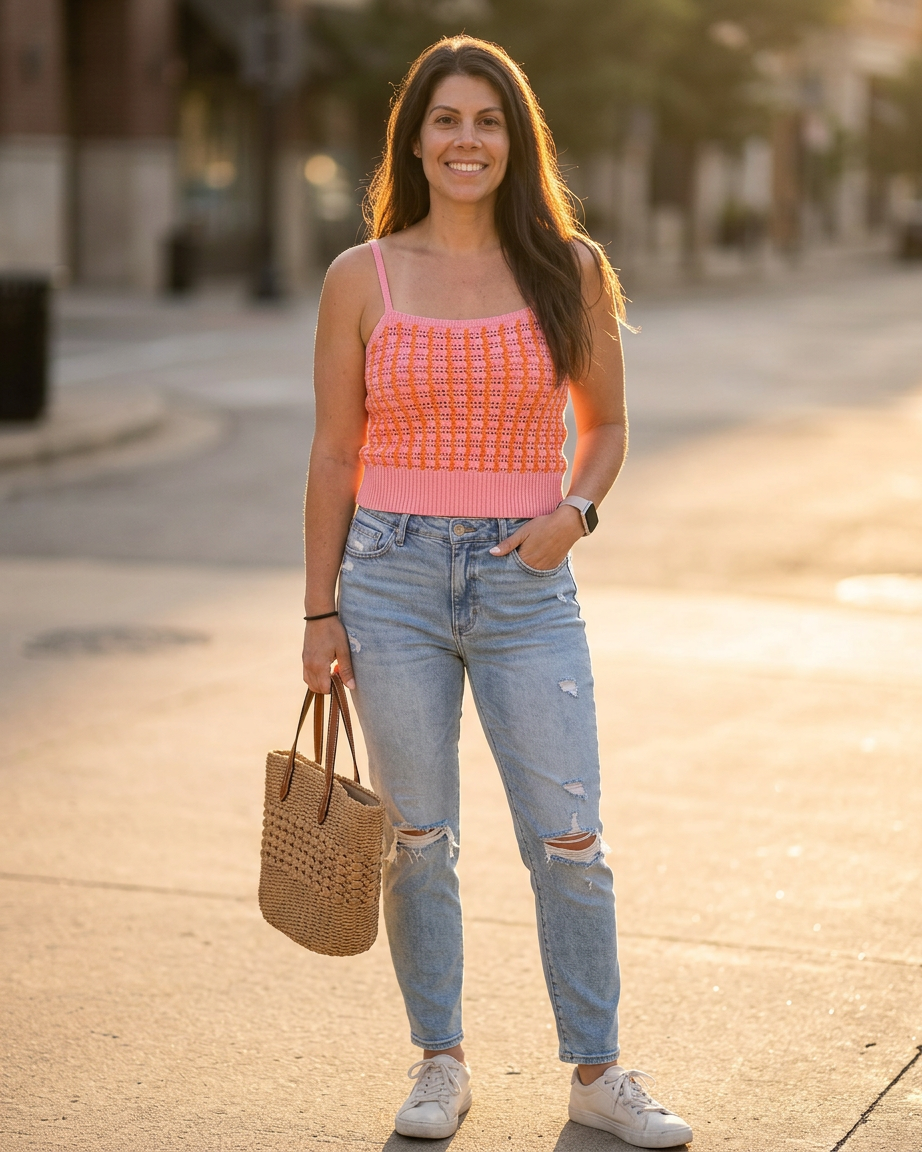
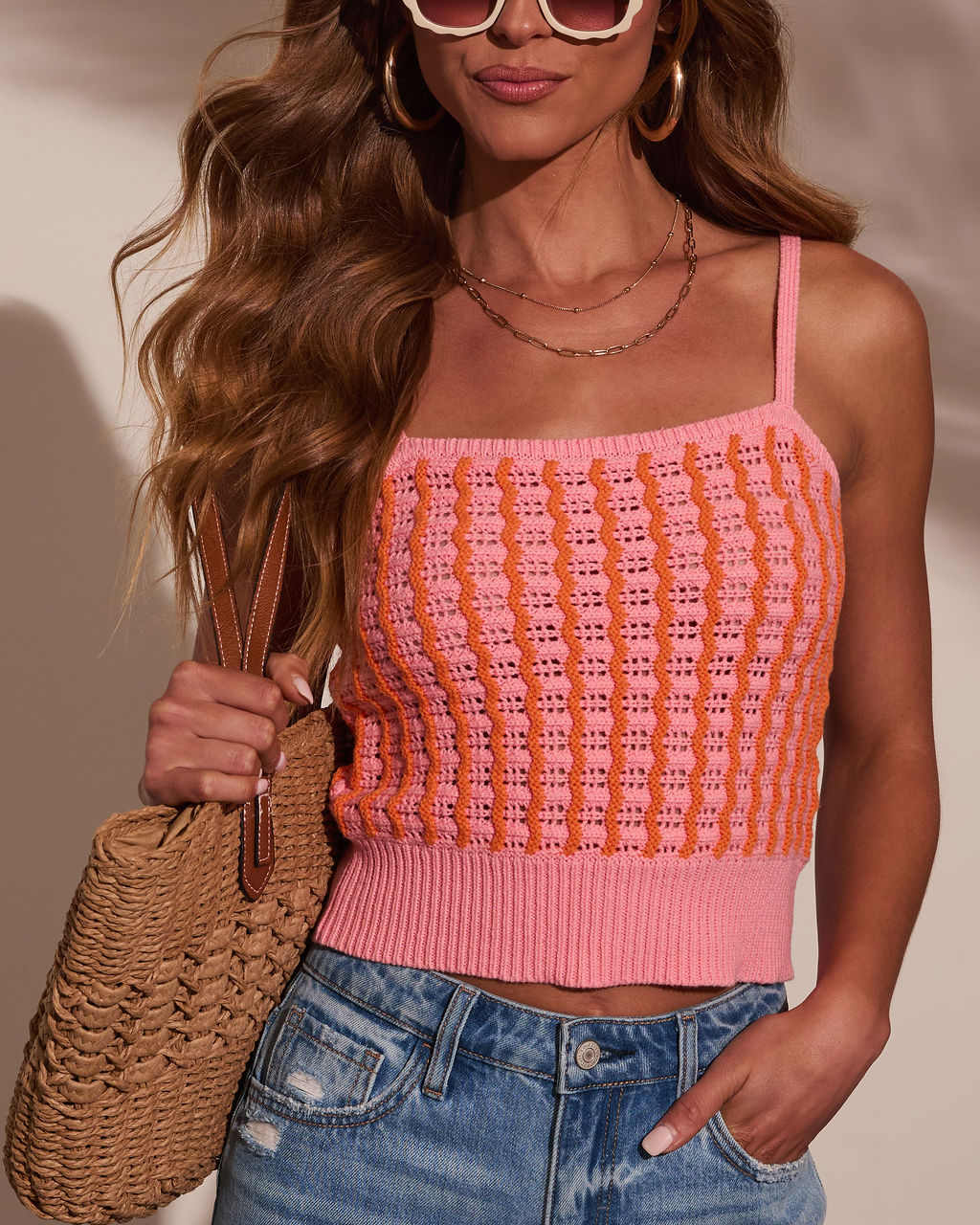
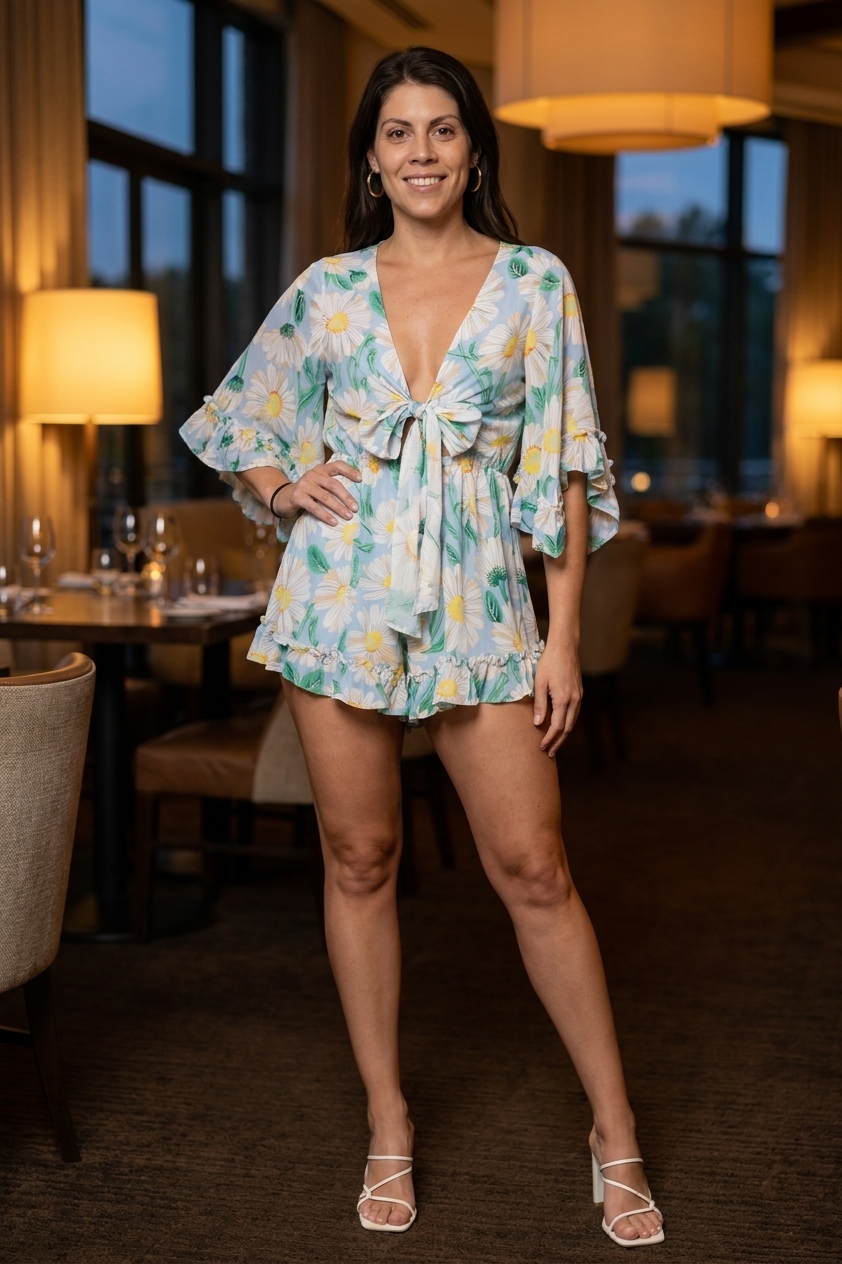
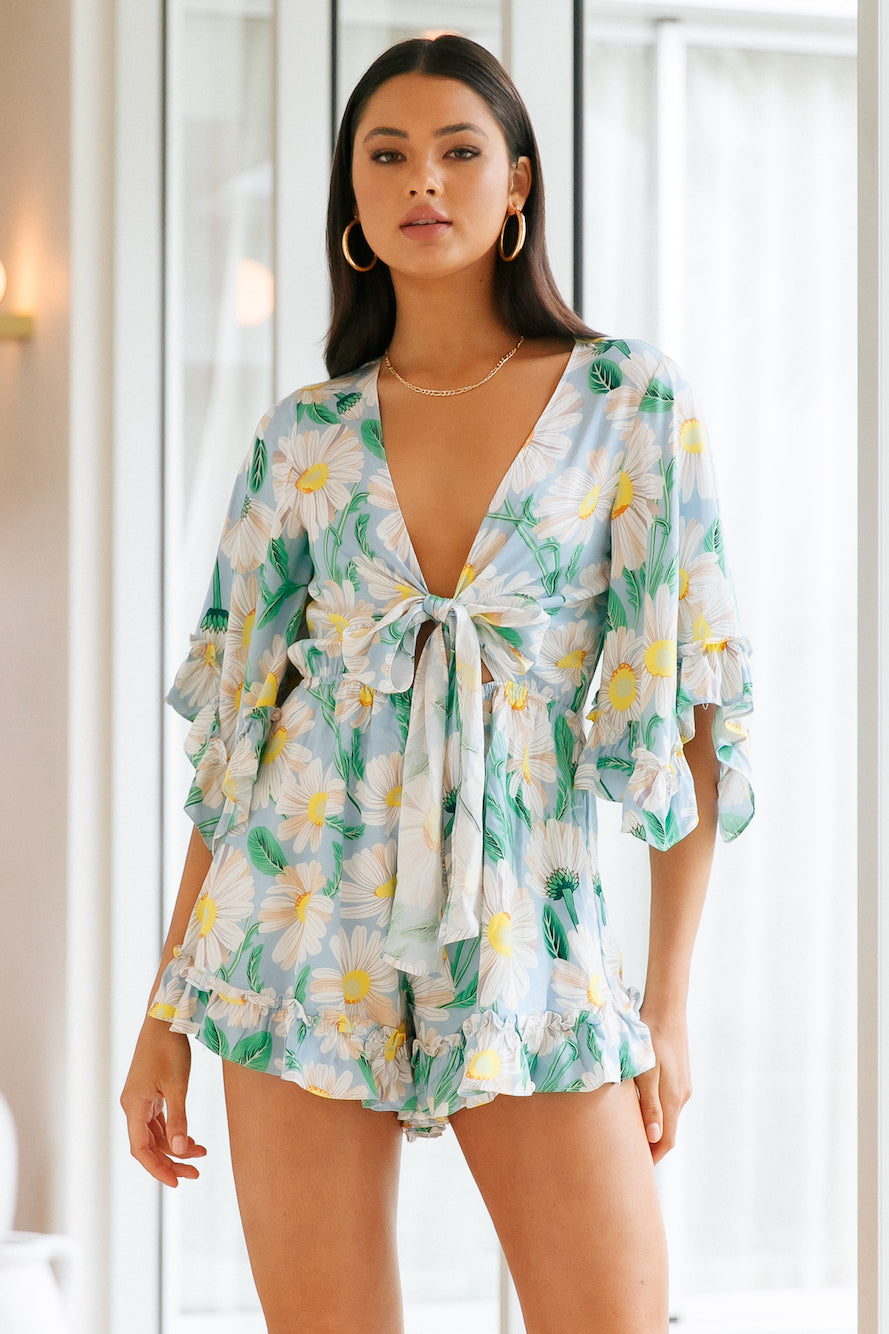
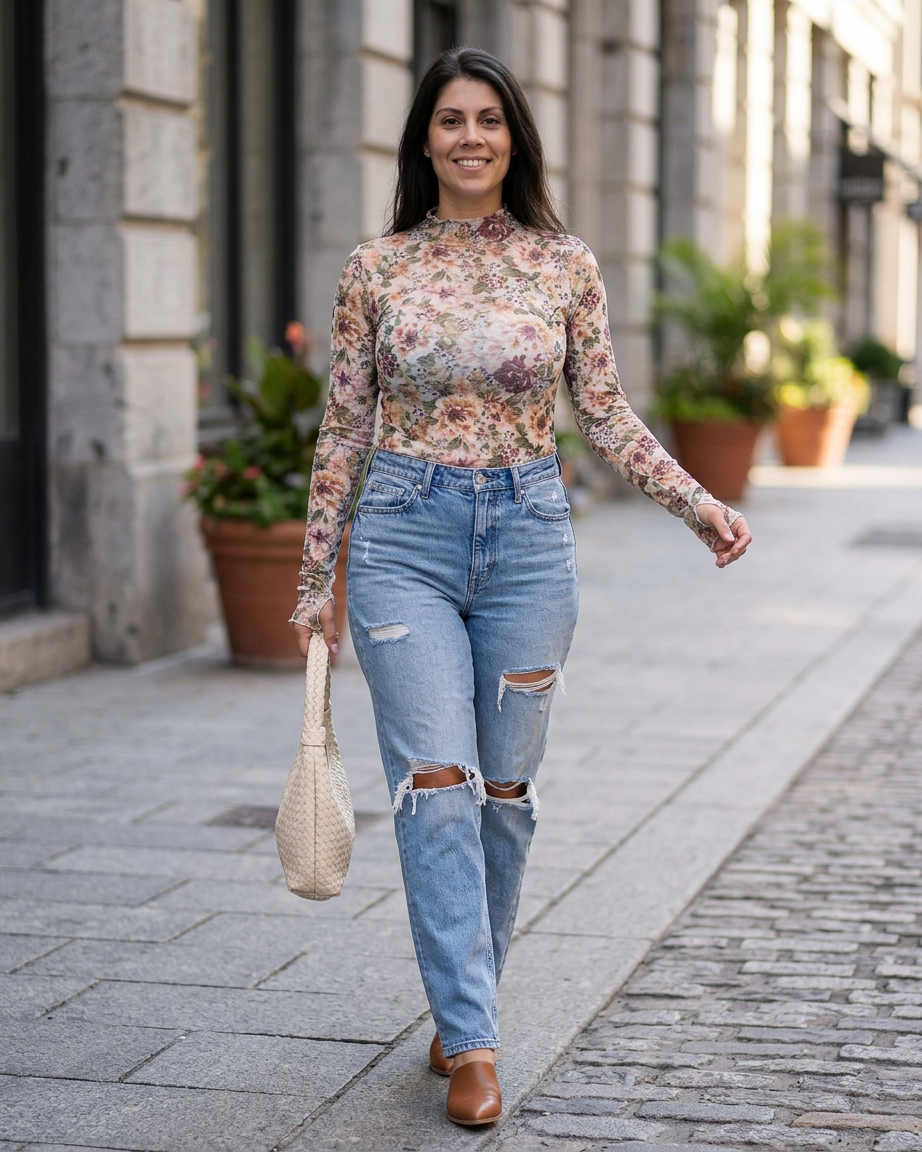
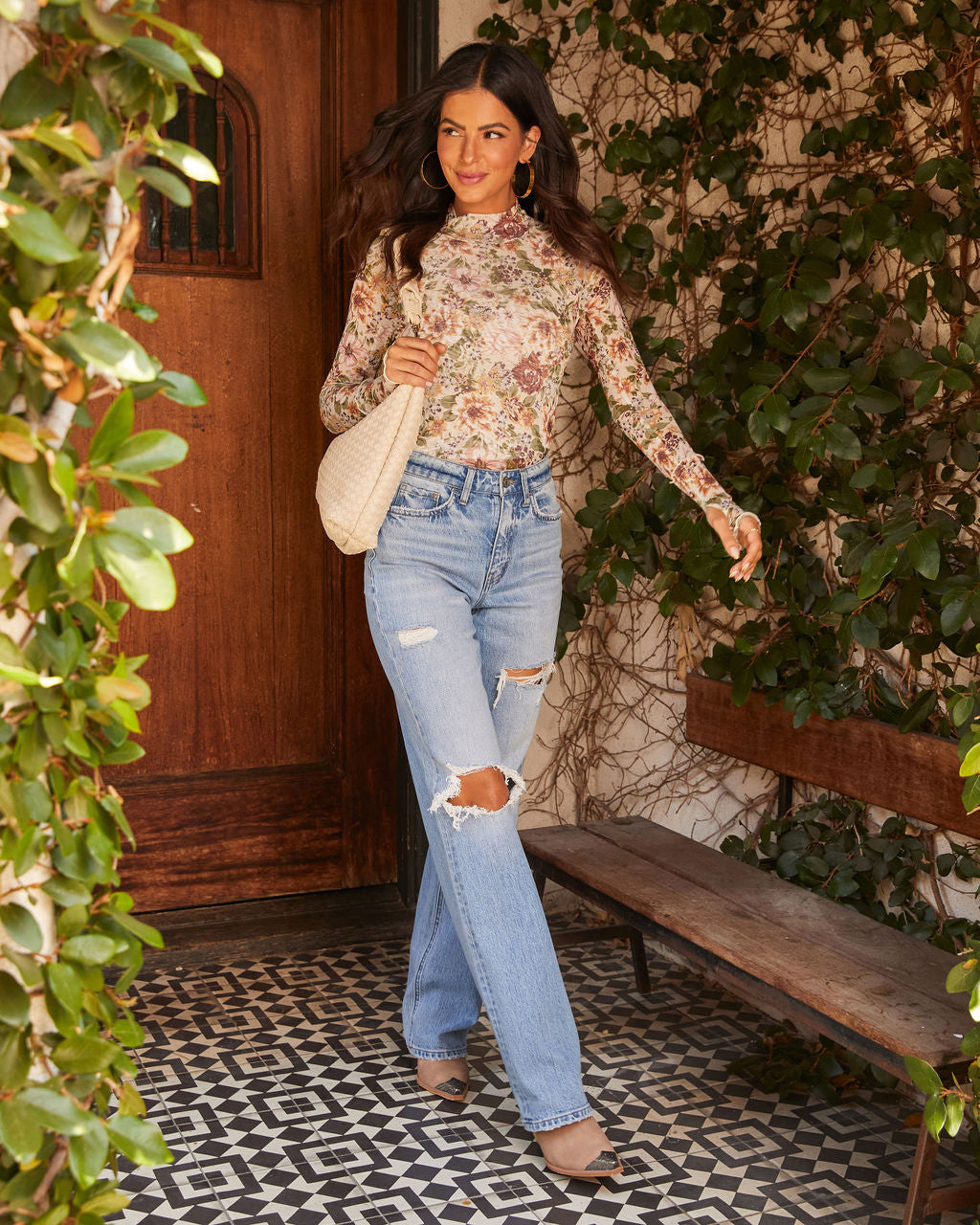
Sample try-ons from our own test accounts
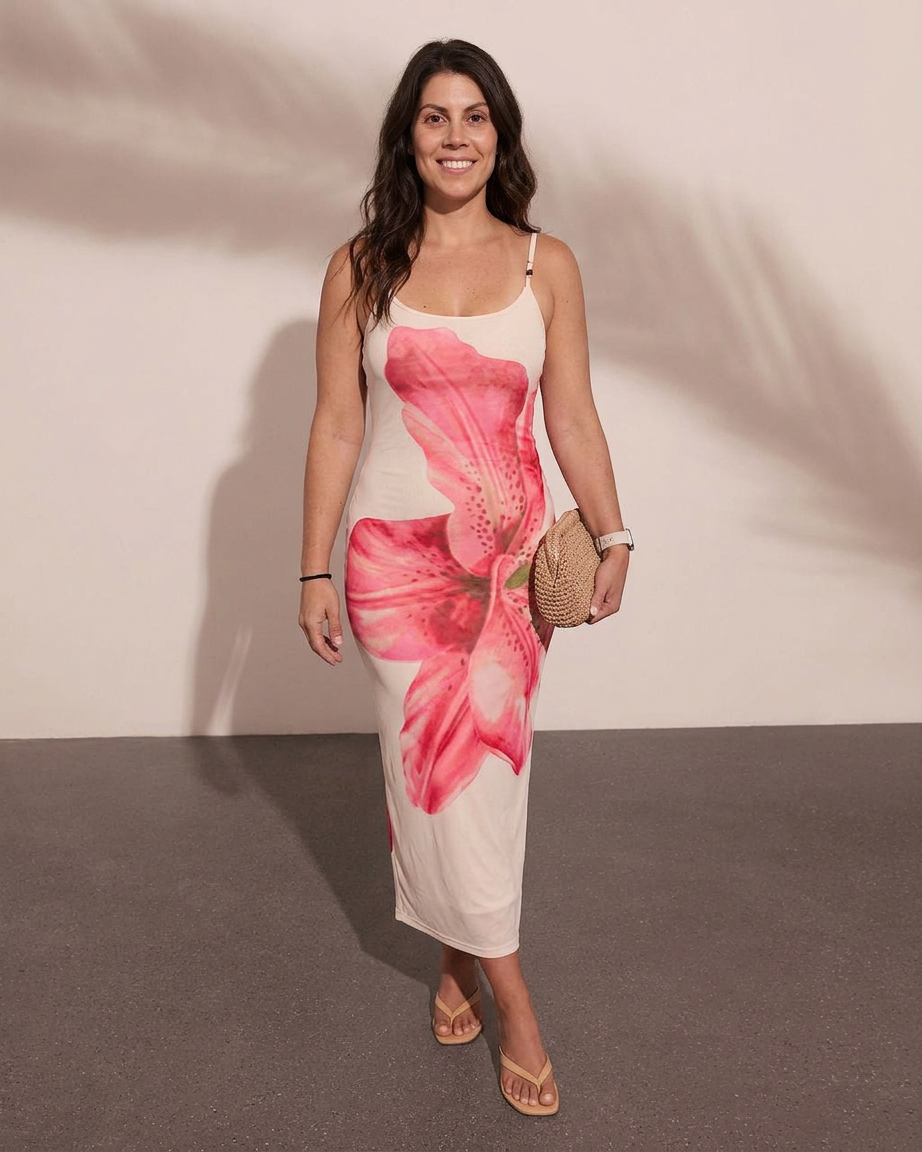
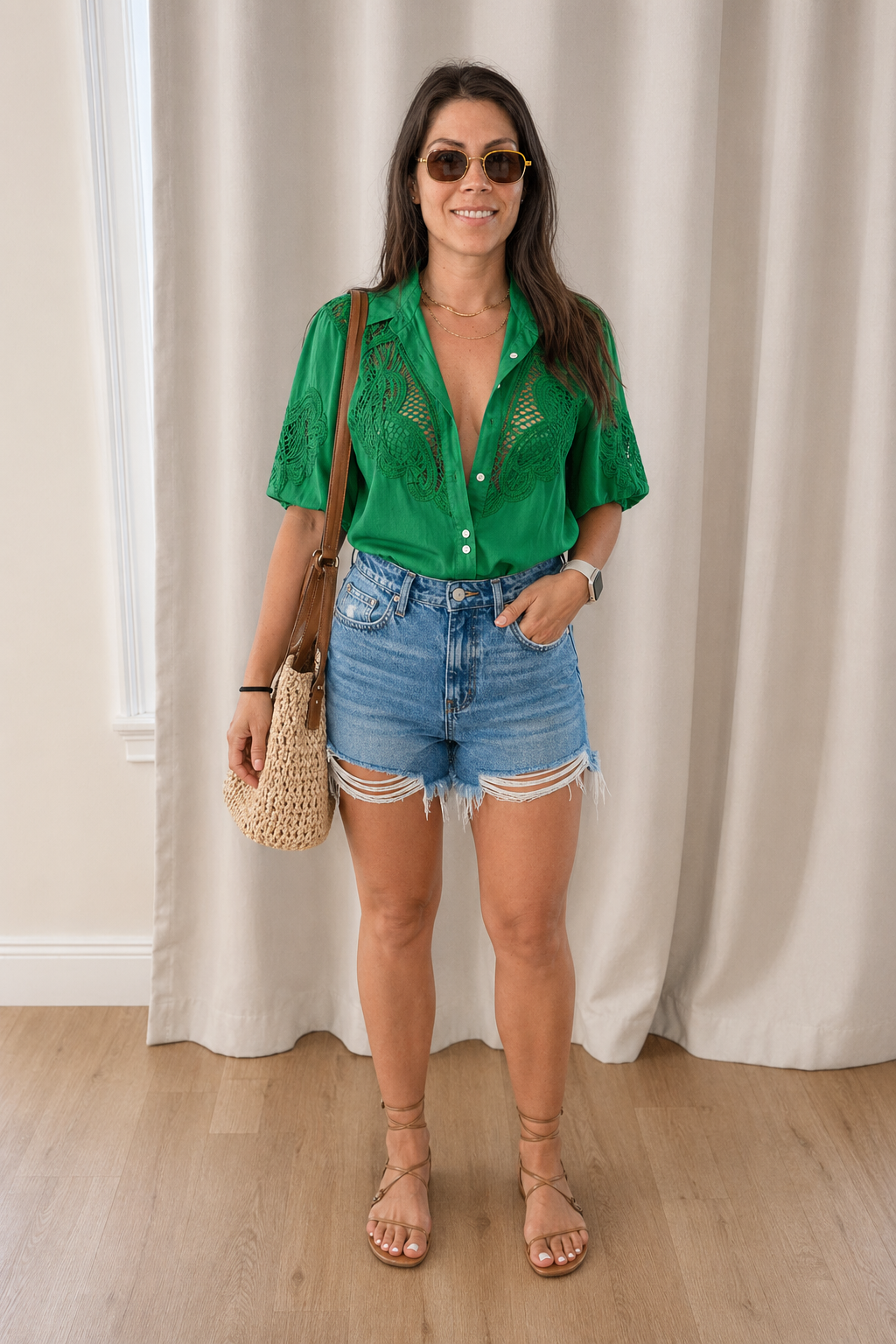
Drag the slider on any card to see the original product. These examples were produced by the DRESR team on our own accounts, not by customers.Hover any card to see the original product. The right side is the render DRESR produced. These examples were produced by the DRESR team on our own accounts, not by customers.
See any outfit on you
See that Instagram outfit on YOUR body
Screenshot an outfit you love from Instagram, TikTok, or Pinterest. Upload it to DRESR, and our AI identifies each piece — then renders the complete look on you. Stop wondering "would that work on me?" and actually see it.
Request beta accessAI identified
- ·Cropped blazer
- ·High-waist jeans
- ·White sneakers
On you
How it works
Three steps to your virtual fitting room
Create your profile
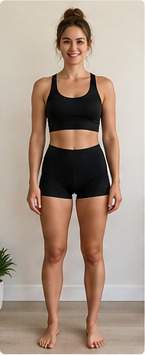
Upload a photo and tap your sizes. 60 seconds.
Add any product
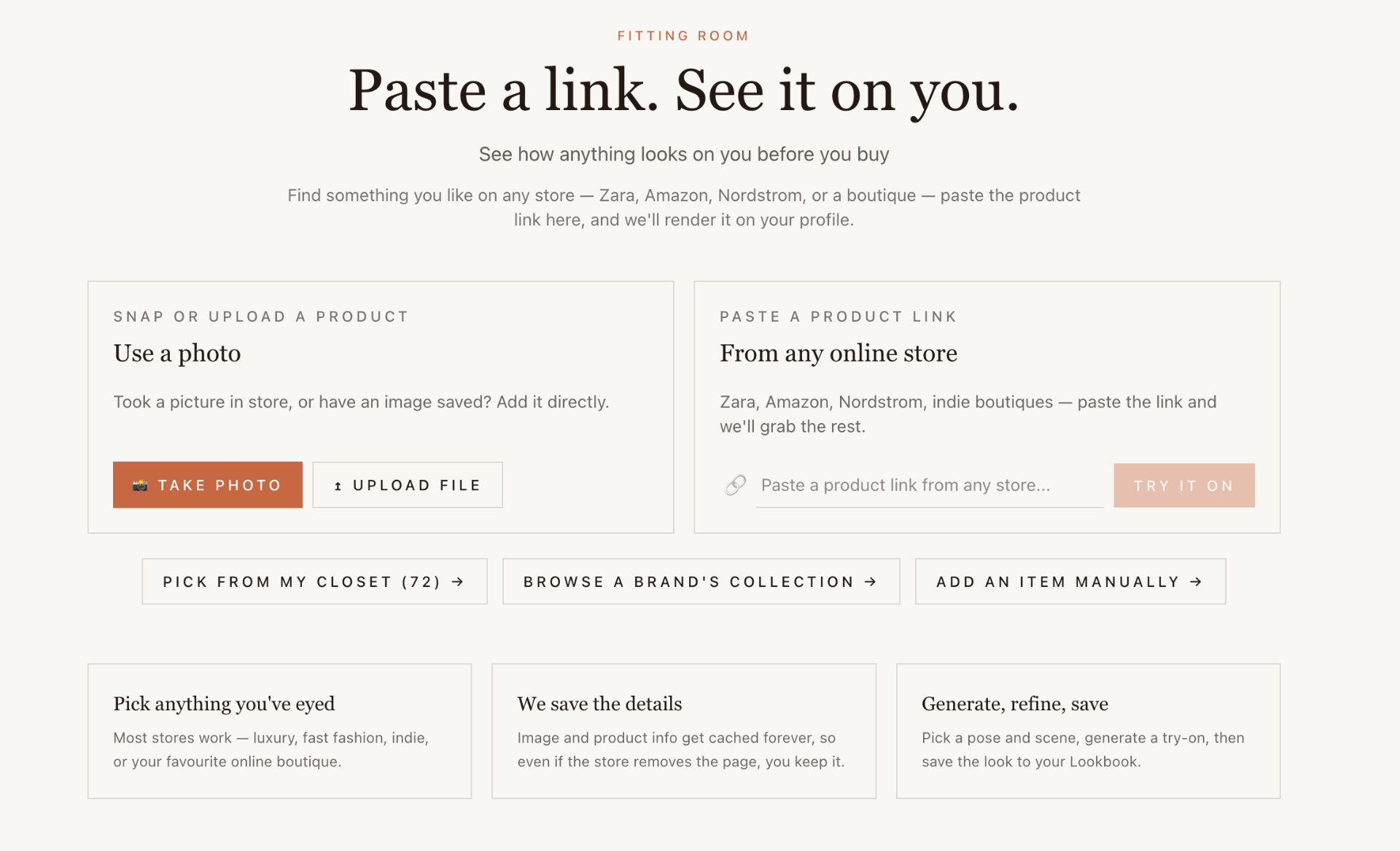
Paste a link, snap a photo, or browse a store.
See it on you
AI renders the outfit on your body. Save, restyle, or buy.
Your closet, reimagined
Build your wardrobe. Style your life.
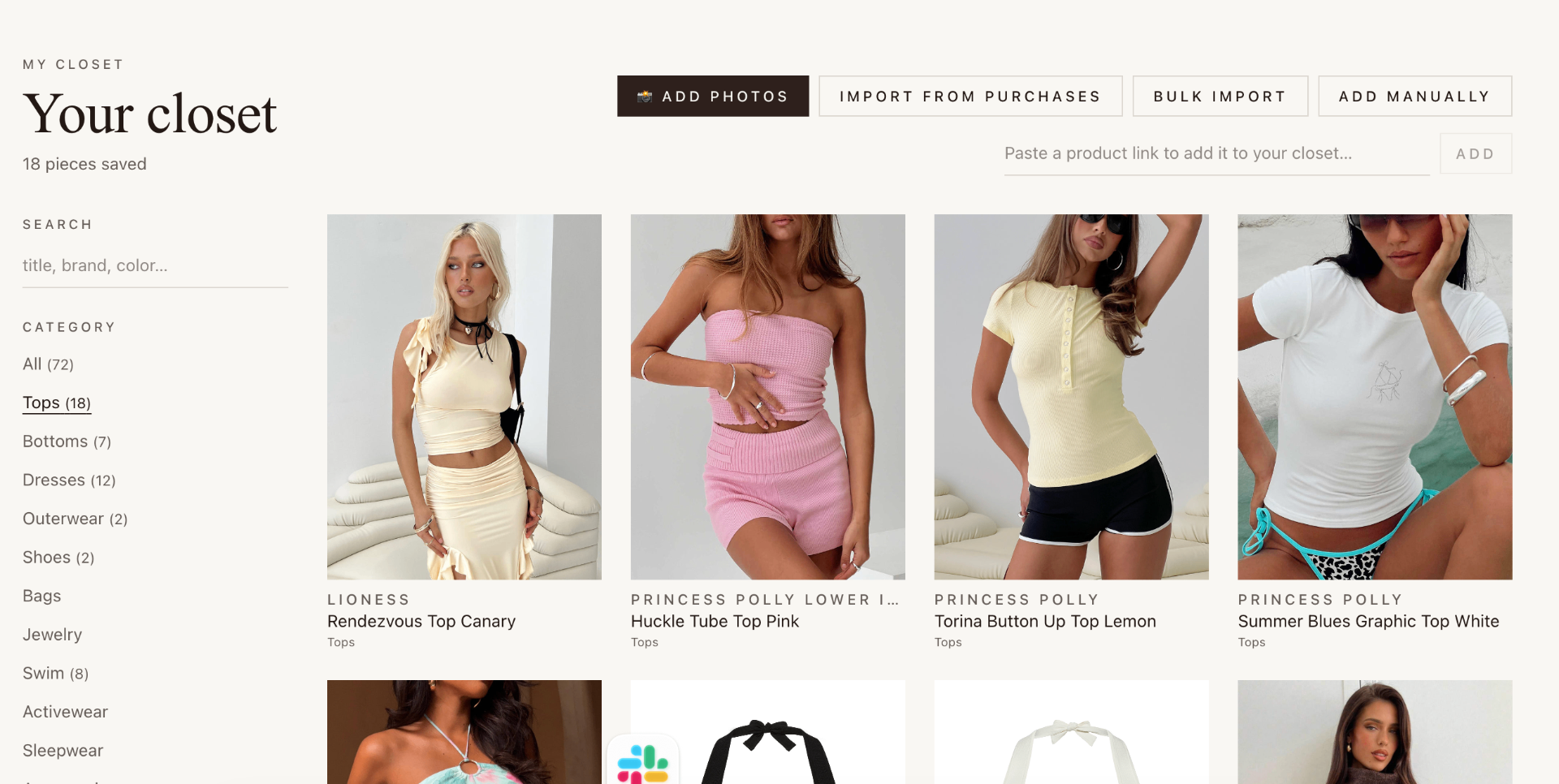
DRESR isn't just for trying on new clothes — it's your entire closet, digitized. Every piece you own, organized, searchable, and ready to mix into outfits. Snap a photo of something hanging in your closet and it's saved to your closet for as long as your account exists.
See how it worksMy Closet · 12 items

Snap to add
Photograph anything — in your closet, in a store, or on social. Our AI identifies the item, categorizes it, and saves it to your wardrobe automatically.
Never lose anything
Every product image and detail is saved to your own account. Even if the store removes the page, your closet keeps its copy for as long as your account exists.
Build outfits from what you own
Drag items from your closet into outfit slots — top, bottom, shoes, accessories. Save complete looks, then try them on virtually.
AI style recommendations
DRESR analyzes your wardrobe and suggests what's missing — 'You have 5 tops but no blazer' — based on what you already own.
Inside DRESR
What it actually looks like
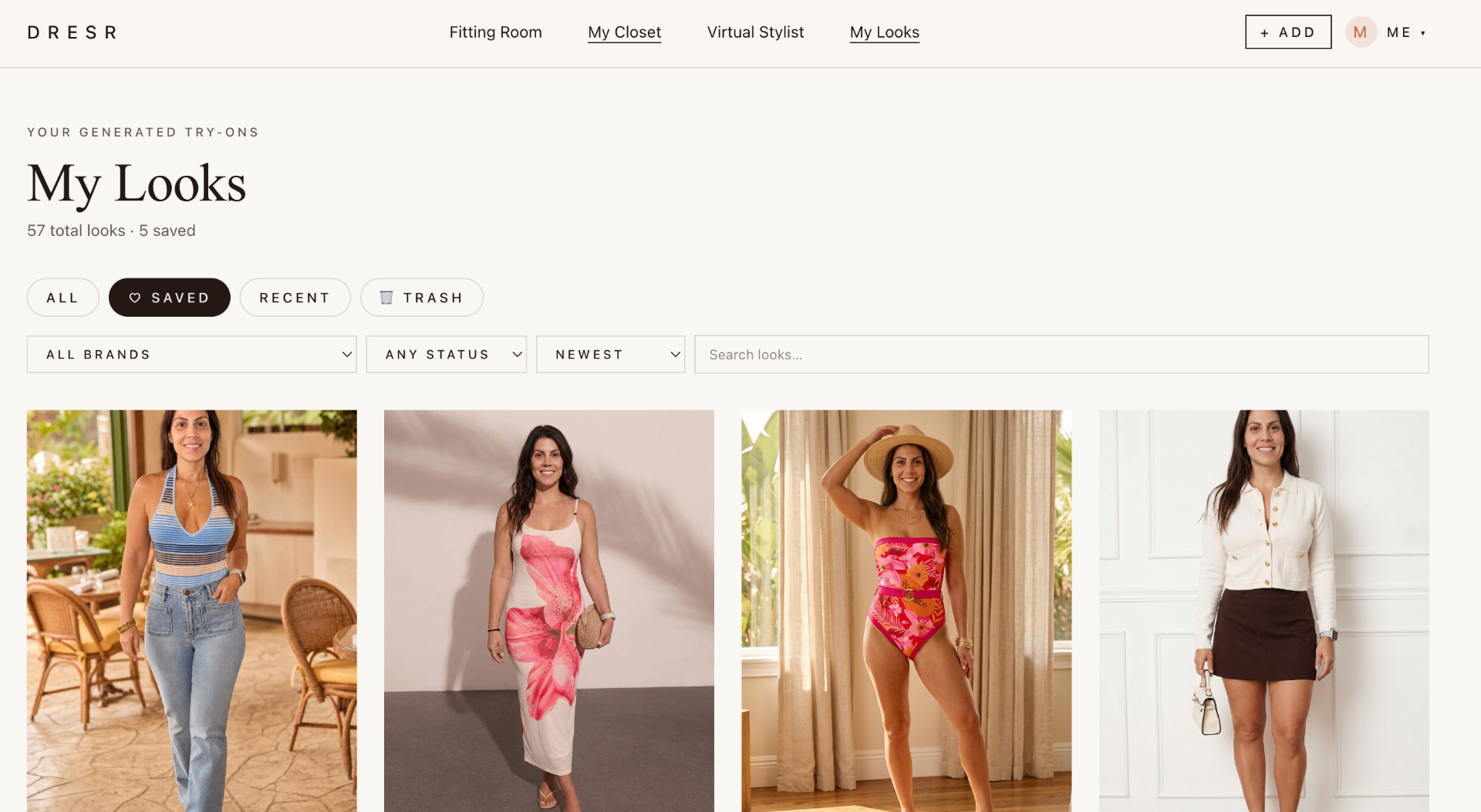
Three rooms in one app — the Fitting Room for try-ons, your Closet for everything you own, and My Looks for everything you've rendered.
Fill your closet
Six ways to add anything
Add items from anywhere — your physical closet, any online store, social media, or a store you're standing in right now.
Snap a photo
Open your camera, photograph any garment — hanging in your closet, laid flat, or on a hanger in a store. AI identifies it in seconds.
Paste a store link
Copy a product URL from any online store — Zara, Amazon, Nordstrom, ASOS, or any Shopify store — and we extract all the details.
Save from social media
See an outfit on Instagram or TikTok? Screenshot and upload it. Our AI identifies each piece and adds them to your closet as separate items.
Browse a Shopify store
Enter any Shopify store's domain and browse their full catalog inside DRESR. Add items directly to your closet or fitting room.
Import a whole collection
Bulk import entire product collections from Shopify stores. Add 30 items in one click — review and select which ones to keep.
Add manually
Type the details, upload a photo, and save. Perfect for vintage finds, gifts, or items without an online listing.
Features
Two products. One app.
Fitting Room
Works with most stores
Paste a product link from most online stores.
Snap in-store
Photograph items in a store, AI identifies them.
Restyle with AI
Chat with a virtual stylist to refine any look.
Your Closet
Digital wardrobe
Every item you own — organized and searchable.
Outfit builder
Mix and match your real clothes into looks.
AI recommendations
Get suggestions based on what you already own.
Access is limited to invite codes while we harden the platform.
Every beta account gets a fixed render allowance, enforced server-side.
Your photos live in private storage and are served only to you.
One request permanently removes your account, images and data.
What's true today
No hype. Here's exactly what the beta does.
Your photos stay private
Uploads and renders live in private storage. They are only ever served to your own signed-in session through links that expire after five minutes.
Five renders per invite
Each beta account gets five AI renders. The limit is enforced on the server, and failed or cancelled jobs do not use one up.
Renders run in the background
Starting a render hands it to a durable background job. You can close the tab, reload, or come back later — it keeps going and retries on failure.
Delete everything, any time
One confirmed request from Settings removes your login, photos, renders, closet and looks. It is permanent and cannot be undone.
Pricing
Planned pricing (subject to change)
DRESR is invite-only right now. The plans below are planned pricing, subject to change, and nothing is on sale yet — there is no checkout during the beta.
Invite-only Beta
- ✓5 try-ons total
- ✓URL import from any store
- ✓1 profile
- ✓10 items in your closet
Basic
- ✓20 try-ons / month
- ✓URL import + Shopify browse
- ✓1 profile
- ✓50 items in your closet
Pro
- ✓100 try-ons / month
- ✓URL + Shopify + bulk import
- ✓3 profiles
- ✓Custom backgrounds & priority rendering
Stop guessing.
Start trying on.
DRESR is in invite-only beta while we get every detail right.
For brands & retailers
Stay in your customer's closet — literally.
When someone buys from your store, the purchase automatically saves to their DRESR wardrobe. Your brand stays in front of them every time they get dressed, build an outfit, or shop for something new — and YOUR products get recommended first.
One app install. Zero effort. Works with Shopify and BigCommerce.
Learn more — For BrandsOrder #4823
Linen Wrap Dress · $128
Complete the look — Your brand
Auto-import purchases
Every order from your store saves to the customer's DRESR closet. No action needed from them or you.
Recommended in every try-on
When customers style outfits with your products, your catalog shows up as 'Complete the Look' suggestions — driving repeat purchases.
See what's working
Analytics dashboard shows which products get tried on, styled into outfits, and drive the most traffic back to your store.